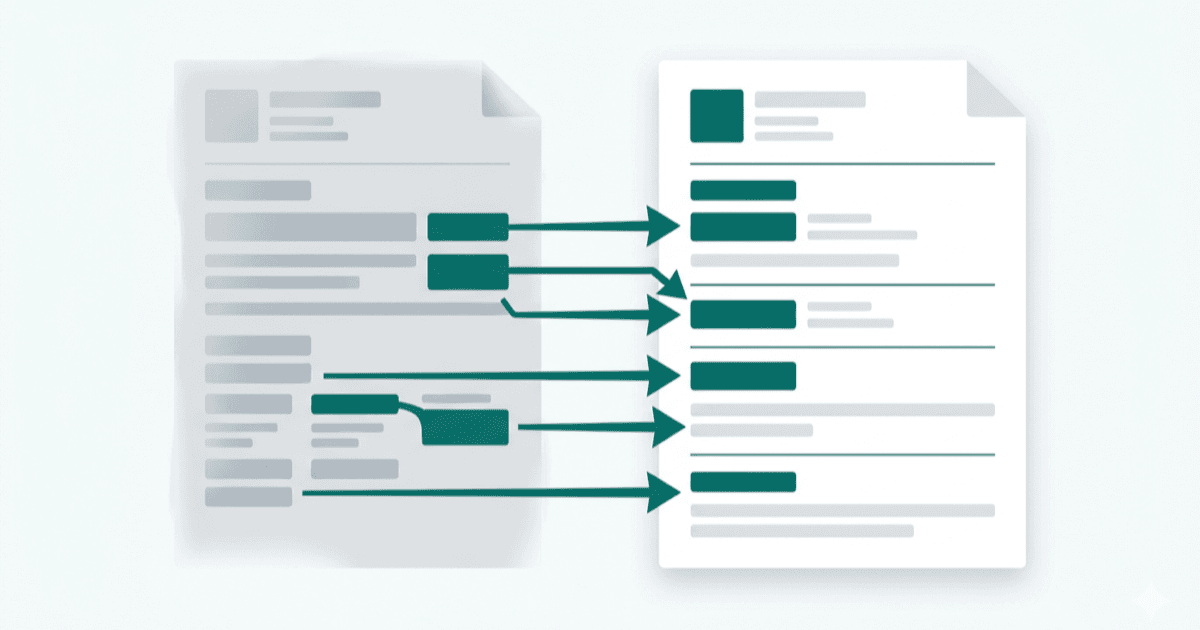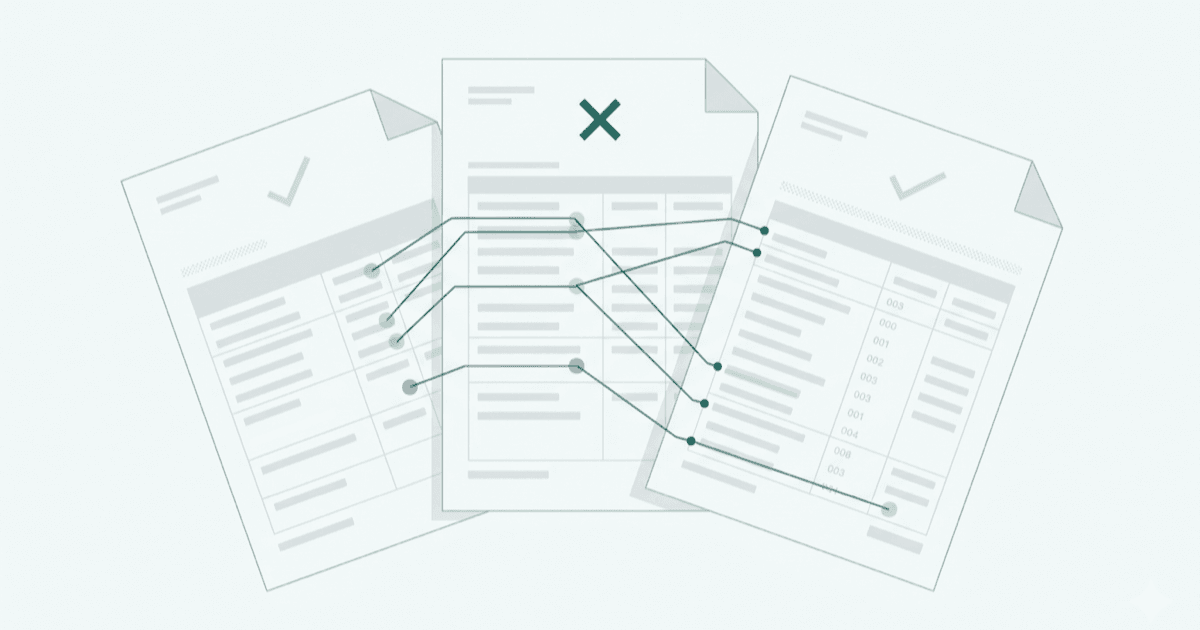
Fig 01 · Form 16 vs 26AS vs AIS: A CA's Reconciliation Checklist
Mismatches between Form 16, Form 26AS, and the Annual Information Statement are one of the most common reasons ITR filings attract notices. The Income Tax Department's processing system automatically cross-checks the income and TDS figures you report against what appears in 26AS and AIS. Discrepancies above certain thresholds trigger demand notices or adjustment of refunds without the taxpayer being informed.
For a CA filing returns on behalf of salaried clients, reconciliation before submission is not a luxury; it is a necessary step that prevents post-filing complications that are far harder to resolve than pre-filing corrections.
Why Reconciliation Matters
The Central Processing Centre (CPC) at Bengaluru processes ITRs in a largely automated manner. When you file a return, the system compares:
- Income declared by the taxpayer against income data in AIS
- TDS claimed by the taxpayer against TDS data in Form 26AS
- High-value transactions reported by third parties (banks, mutual funds, registrars) against what the taxpayer has disclosed
If the return figures match 26AS and AIS, processing is smooth. If they do not, the return is either selected for scrutiny or the taxpayer receives a Section 143(1) intimation proposing an upward adjustment to income or a disallowance of TDS claimed.
Reconciling before filing lets you identify whether the discrepancy lies in an error by the deductor (fixable via TDS correction) or an omission by the taxpayer (fixable by including the income). Both are manageable before filing. Neither is pleasant after.
The Three Documents Explained
Form 16 is the TDS certificate issued by an employer under Section 203 of the Income Tax Act. It has two parts:
- Part A: Employer's TAN, PAN, and the quarterly TDS deposit details as reflected in the deductor's TDS returns. Part A is generated from TRACES and carries a TRACES authentication number.
- Part B: A detailed salary breakup including gross salary, exemptions under Section 10, standard deduction, deductions under Chapter VIA (80C, 80D, etc.), and the net taxable salary. Part B is prepared by the employer.
Form 26AS is a consolidated tax credit statement maintained by the Income Tax Department. It shows:
- TDS deducted and deposited by all deductors (employers, banks, property buyers)
- TCS collected
- Advance tax and self-assessment tax paid
- Refunds received
- Details of specified financial transactions reported under SFT (Statement of Financial Transactions)
26AS data is pulled directly from the TDS returns (Form 24Q, 26Q, 27Q) filed by deductors.
Annual Information Statement (AIS) was introduced in November 2021 and goes significantly beyond 26AS. It includes:
- All income data from 26AS
- Savings account interest from bank-reported data
- Dividend income from RTA/depository data
- Capital gains from broker, mutual fund, and depository reports
- Rental income from tenant TDS filings
- Foreign remittances
- Property purchases and sales
AIS also includes a Taxpayer Information Summary (TIS) which shows processed/derived values after deduplication. The TIS is what the CPC uses for matching, not raw AIS data.
Step-by-Step Reconciliation Checklist
Work through these steps for each client before preparing the ITR.
Step 1: Download all three documents
Download Form 16 (Parts A and B) from the employer or client. Log in to the Income Tax e-filing portal and download Form 26AS (under the e-File menu or via TRACES). Download the AIS from the portal under Services > Annual Information Statement. Export the AIS as a PDF or JSON for working purposes.
Step 2: Verify Form 16 Part A against 26AS
Match the quarterly TDS entries in Part A against the TDS entries in 26AS for the same employer TAN. The amounts and quarters must match exactly. If Part A shows TDS that is absent from 26AS, the employer has either not filed the TDS return or filed it with errors.
Step 3: Cross-check gross salary and deductions in Part B
Verify that the gross salary in Part B aligns with what the client has received. Common areas of discrepancy include perquisites that were included by the employer but not communicated to the employee, and variable pay or bonuses credited in a different quarter.
Step 4: Reconcile all TDS entries in 26AS
List every TDS entry in 26AS, not just salary TDS. This includes TDS on bank FD interest (Section 194A), TDS on professional fees (Section 194J), and TDS on property (Section 194-IA). Ensure the client has corresponding income entries for each TDS deduction.
Step 5: Review AIS for unreported income
Go through every category in AIS systematically. Look specifically for:
- Interest income from savings accounts and FDs not mentioned by the client
- Dividend income where the client may have forgotten minor holdings
- Capital gains from equity or mutual fund redemptions
- Property transactions
Clients often forget small interest credits from post office savings or dormant bank accounts. AIS captures these from bank-reported data.
Step 6: Reconcile AIS capital gains data
For clients with investment activity, cross-check AIS capital gains data against the client's own statements from brokers and mutual fund houses. AIS often shows gross redemption proceeds without netting off cost of acquisition. The figures in AIS are reference data, not the final numbers to use; the ITR must report the correctly computed gains.
Step 7: Check for duplicate or erroneous entries in AIS
AIS occasionally contains errors, including transactions reported by multiple sources (leading to duplication) or transactions attributed to the wrong PAN. The portal allows taxpayers to raise feedback on each AIS entry as "Accepted", "Partially Accepted", "Denied", or "Not Determined". Filing feedback does not change the ITR but creates a record that the taxpayer has reviewed the data.
Step 8: Prepare a reconciliation summary before filing
Document every variance found, what it represents, and how it has been addressed. This record is useful if the taxpayer later receives an inquiry from CPC.
Common Mismatches and What Causes Them
TDS in 26AS but no Form 16 entry. The deductor has deposited TDS but not reflected it in the TDS certificate. This usually means the employer filed an incorrect Form 24Q. The client must approach the employer for a corrected certificate.
Form 16 TDS higher than 26AS. The employer has issued a certificate for TDS that was not actually deposited. The taxpayer cannot claim this TDS in the ITR. Contact the employer immediately for rectification.
AIS shows income not in Form 16. The client has income from other sources (interest, dividends, freelance work) that is outside the employer relationship. These must be included in the ITR under the appropriate head.
AIS capital gains data inflated. Mutual fund platforms and registrar/transfer agents sometimes report gross redemption values without netting cost. Use actual gain computation from account statements and mark up AIS feedback accordingly.
Name or PAN mismatch in 26AS. If a deductor has entered an incorrect PAN or name, the TDS does not appear in the taxpayer's 26AS. The deductor must file a TDS correction statement. This process can take several weeks, which is why early reconciliation is important.
For guidance on which ITR form to use after completing reconciliation, see ITR Forms for AY 2026-27: What Changed. If you are still chasing documents from clients to complete the reconciliation, the Document Collection Mistakes in ITR Filing article covers what to ask for and when.
When to Raise a Correction Request
Raise a TDS correction request (or request the employer/deductor to raise one) when:
- TDS shown in Form 16 does not appear in 26AS (deductor error in TDS return)
- TDS appears in 26AS under the wrong PAN (challan or return error)
- The employer has deposited TDS under a wrong section (for example, 192 versus 194J)
Deductors can file TDS correction statements on TRACES. Corrections to quarterly statements take time to reflect, typically 3 to 7 working days after the correction statement is processed. For filings close to the due date, it may be more practical to file the ITR claiming TDS as per 26AS and noting the discrepancy, rather than waiting for corrections.
Where an employer is unresponsive or has shut down, the taxpayer may need to file a grievance on the income tax portal and request CPC to consider the Form 16 TDS after manual verification.
The FiledRight rules engine tracks document collection status and flags reconciliation gaps so you can resolve them before the filing window closes.
Checklist Summary Table
| Step | What to Check | Source |
|---|---|---|
| Salary TDS | Part A entries match 26AS deductions | Form 16 Part A + 26AS |
| Gross salary | Matches client payslips and Part B | Form 16 Part B |
| Other TDS | All 26AS TDS entries have matching income | Form 26AS |
| Interest income | All bank interest in AIS is included in ITR | AIS |
| Dividend income | All dividend credits in AIS are included | AIS |
| Capital gains | Broker/MF statements reconcile with AIS | AIS + broker statements |
| High-value transactions | SFT entries in AIS match what client has declared | AIS |
| AIS feedback | Incorrect AIS entries have been flagged | AIS portal |